Creating a storyboard is essential to turn a compelling story into a clear, structured visual plan. In this article, we look at how to make a storyboard, what it is for, and the key steps to build a document that will be genuinely useful in your video marketing strategy.
What Is a Storyboard?
A storyboard is a key visual companion document in the video production process. It is a series of drawings that illustrates each shot of the story, or the staging, to be filmed.
Each frame comes with details about the characters or speakers and the action taking place. This gives production teams a clear and consistent picture of the project they will be working on.
What Is a Storyboard For?
The main purpose of a storyboard is to translate ideas into images that guide production teams. It is an essential tool for organizing the chronological order of scenes, so the story flows smoothly. A storyboard lets production directors see the whole project at a glance, which makes communication easier between everyone involved.
It also helps identify potential challenges ahead of time, so you make the most of your time and resources on shoot day. Finally, it ensures that every scene, character and shot follows and supports the next, creating a solid foundation for a successful video production.
How to Make a Storyboard in 5 Steps
- Develop the concept: Define the theme and key elements based on your objectives, including characters, settings and the main plot points. For a corporate video, this means thinking about the shooting location, the people on camera and the message you want to get across.
- Build the narrative structure: Organize your story in a logical, chronological order that is easy to follow. Think about the dialogue and the tone you want to use.
- Sketch the scenes: Draw each key scene, with details about the action and the characters.
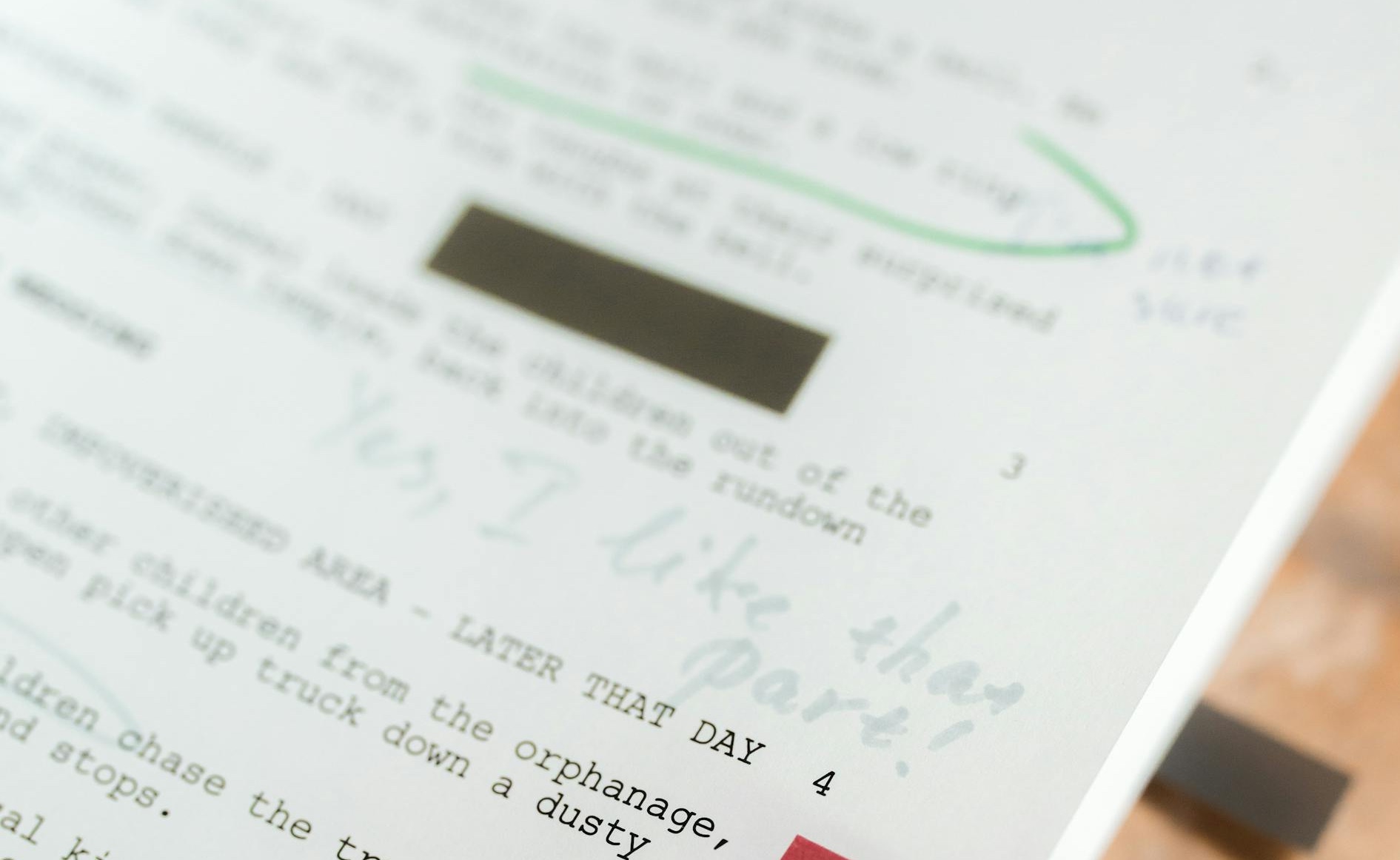
- Add notes: Add comments and information to each frame to describe the action, dialogue and camera movements.
- Finalize the storyboard: Review the detailed storyboard to make sure it works as an effective reference for the production team.
💡 At Productions Arborescence, our professional film crew creates the storyboard in-house, because it can include camera shots. Our team can visit the future shooting location (studio, plant, office…) to take photos and prepare ahead of time.
Contact us if you have any questions or need more details!
Storyboard Examples: Two Common Types
A storyboard is a key technical document for both the client and the production team, and it can take different forms depending on your needs. Here are the two most popular approaches.
Shot-by-Shot Storyboard
This approach develops each scene and shot separately, focusing on the specific actions of the characters or speakers and on camera movements. It is a great way to get a detailed storyboard that closely guides the story and the shots.
This method is especially useful for complex productions that require careful planning, with several cameras rolling.
Do I need to storyboard every shot?
It depends on how complex the project is. For a simple production, an overall storyboard is often enough. Complex projects with camera moves or special effects, however, call for detailed planning to avoid surprises and ensure a smooth, consistent shoot.
Comic-Strip Storyboard
This style uses a comic-strip layout to tell the story in a more visual way. Frames are laid out like a comic book, which makes transitions and characters’ emotions easier to understand while keeping a clear chronological order.
This type of storyboard can be built from photos taken while scouting the location.
This approach is often preferred for projects that need strong visual storytelling.
Talk to Our Storyboard and Video Production Experts
Our team of storyboard and video production experts can help turn your vision into reality. Whether you need a detailed storyboard for your next marketing or corporate project, or a full video production, our Montreal production company will guide you through every step.
With our video studio in Montreal, ideal for webcasting services, and our storyboarding expertise, we can offer a tailor-made creative experience. Get in touch to discuss your project and see how we can bring your most ambitious ideas to life!
Storyboard FAQ
1. What is a storyboard used for in video production?
It lets you visualize each scene before the shoot, so you can better plan the shots and key messages.
2. Do I have to make a storyboard?
No, but it is highly recommended to structure your content and avoid surprises.
3. Who creates the storyboard?
Our experts create it in close collaboration with you, based on your communication goals.
4. Does the storyboard include text and dialogue?
Yes. It can include dialogue, voice-over and sound or visual cues.
5. Can it be changed during the project?
Yes, as long as it is still in the approval phase. That is exactly what it is for: making adjustments before moving into production.