A live shoot leaves no room for a second take. Whether you broadcast a conference, a gala or an annual meeting, three things decide whether your audience sees a smooth show or a frozen screen: clean sound, a reliable connection with a backup plan, and a platform chosen for the people who need to watch. Here is how the team at Productions Arborescence approaches every live broadcast.
Remote viewers are no longer a bonus. In the Content Marketing Institute’s B2B research, 55% of B2B marketers said they used webinars to distribute content, the same share as in-person events. Planning for the audience behind the screen is now part of planning the event.
Tip 1: Get the Sound Right Before the Picture
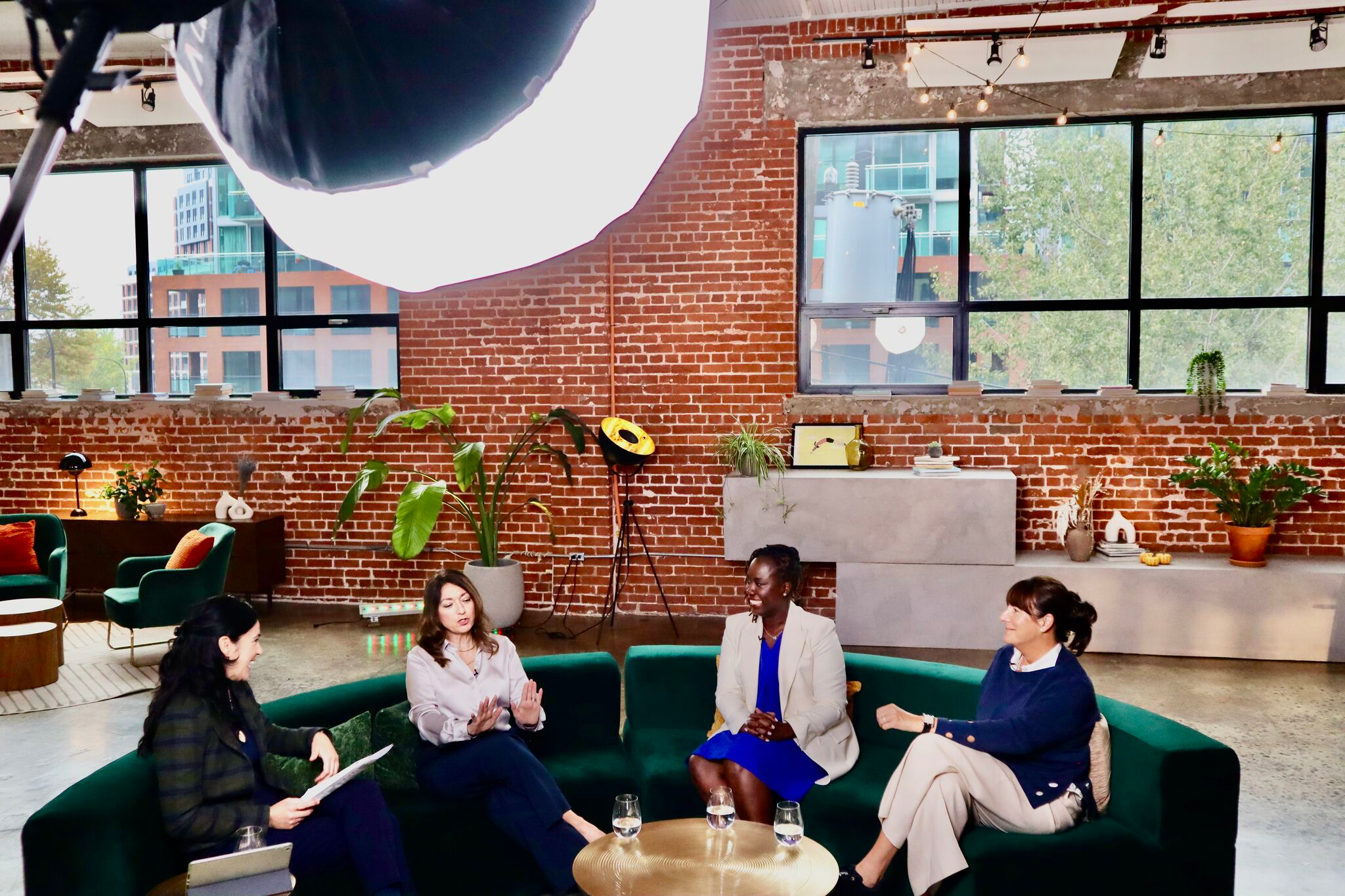
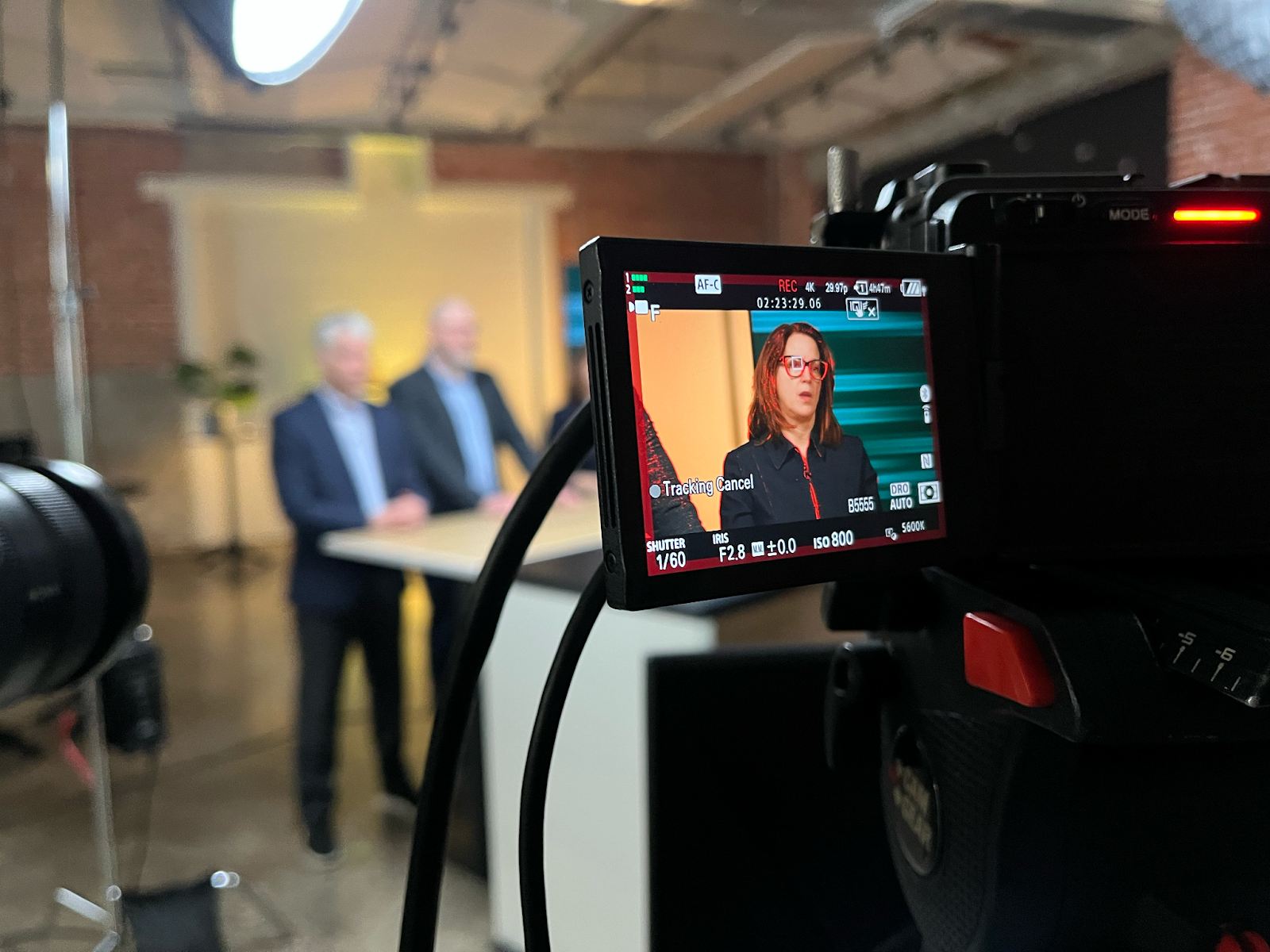
Viewers forgive an average image, but they leave when they cannot hear. On a live shoot, audio should come straight from the venue’s sound system by cable, never from a camera microphone across the room. Then light the stage for the camera: a room lit for guests often looks flat on a screen.
For a panel or a gala, three camera angles keep the broadcast lively:
- a wide shot of the stage
- a close-up on the speaker
- a roving camera for audience reactions
Our event video production crews plan these angles with you, so the live mix tells the story of the event as it unfolds.
Tip 2: Never Rely on a Single Internet Connection
Most broadcasts that fail do so because of the connection, not the cameras. Venue Wi-Fi is shared with every guest’s phone and rarely holds a stable stream once the room fills up. Book a dedicated wired connection for the broadcast, test it at the same time of day as the event, and keep a backup connection ready to take over. During the event, one person should watch the stream itself, not only the stage.
Ask the venue early who manages its network, whether a wired port is available near your control table, and whether other events will share the line that day. These three questions avoid most last-minute surprises.
Tip 3: Choose the Right Platform, Then Rehearse
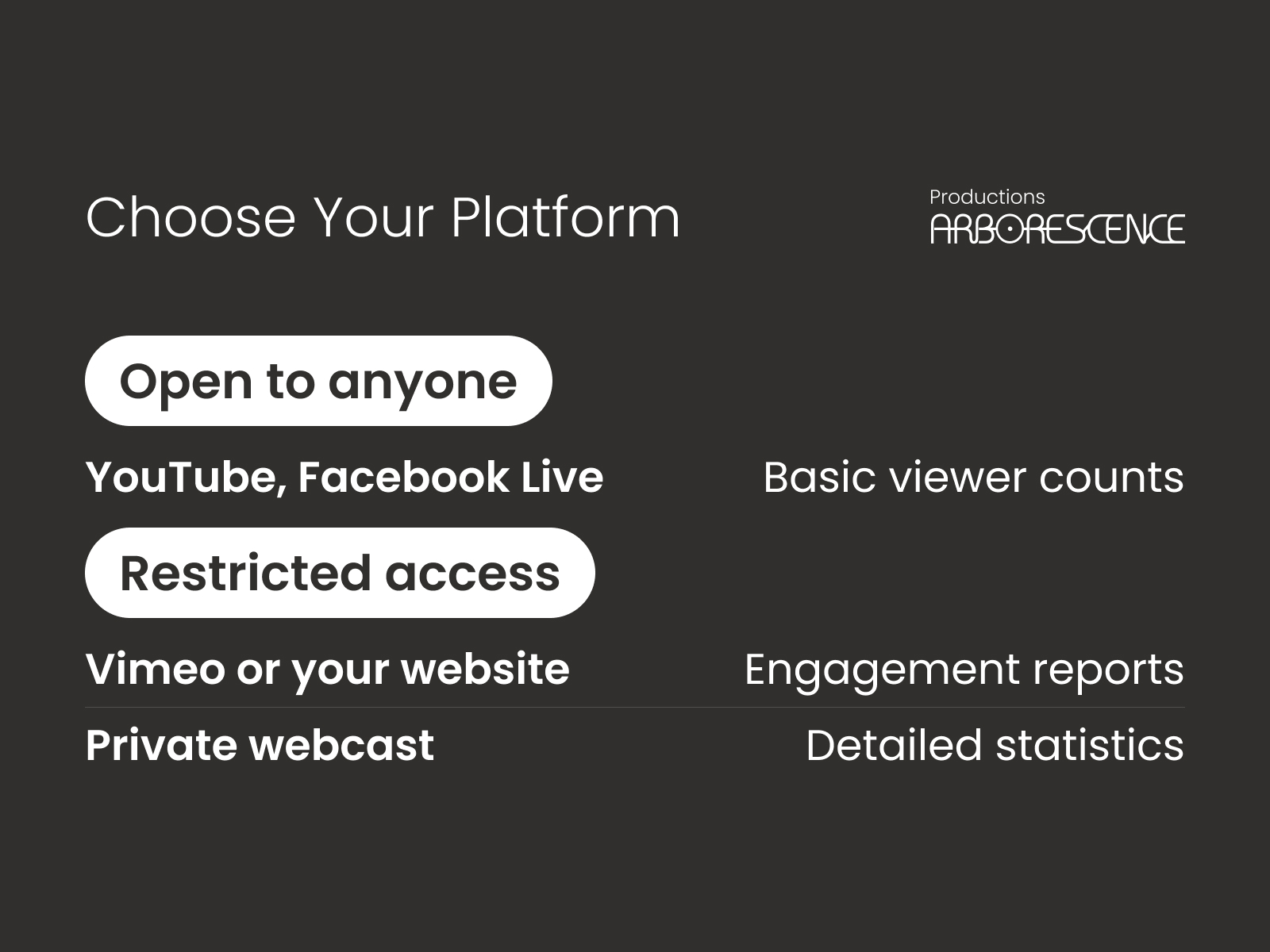
The right platform depends on who is allowed to watch:
- YouTube Live or Facebook Live: open to anyone, with basic viewer counts
- Vimeo or a video embedded on your website: password and domain restrictions, engagement reports
- A private webcast platform: registered guests only, with questions, polls, chat and detailed viewer statistics
Whatever you choose, rehearse the full broadcast on site before the event: cameras, sound, slides, remote speakers and the stream itself. A rehearsal catches most problems while there is still time to fix them. If you would rather hand over the technical side, our webcast production services cover multi-camera capture, live mixing and streaming on your platforms.
Hybrid Events: One Live Shoot, Two Audiences
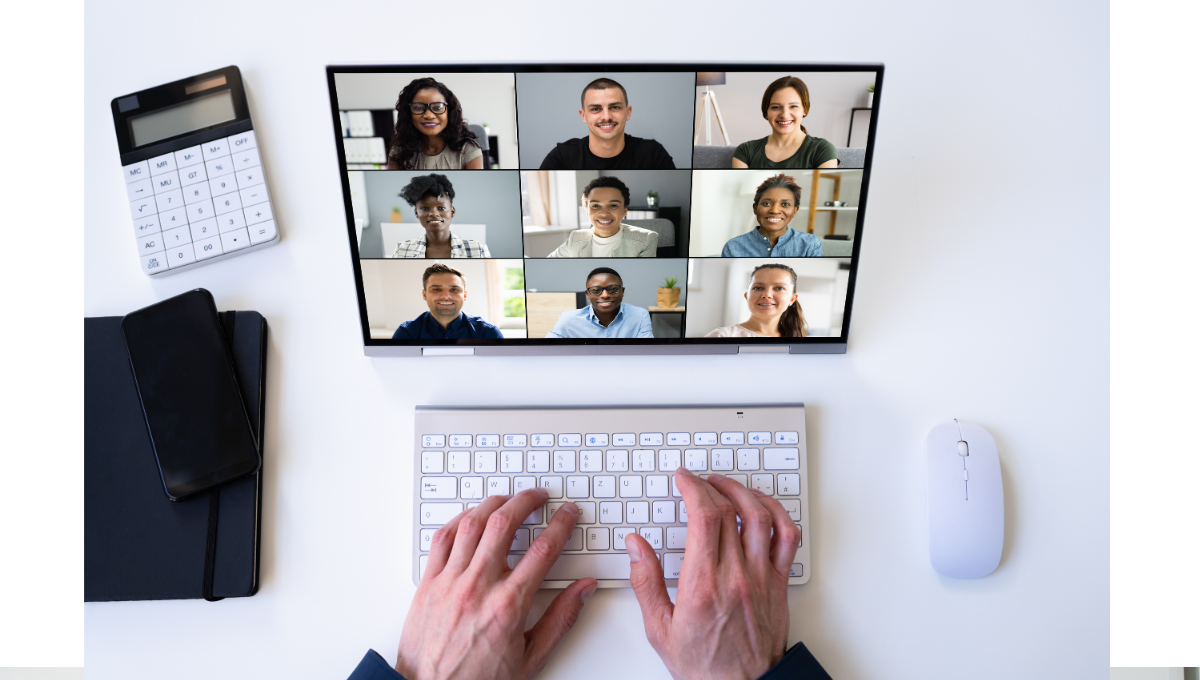
In hybrid events, the people in the room and the people online do not watch the same show. The room follows the stage; the online audience follows one window. Give remote viewers a host who speaks to the camera and a moderated Q&A read aloud, so they feel part of the event rather than spectators of it.
Live Shoot FAQ
How much upload speed do you need for a live stream?
As a rule of thumb, plan 5 to 10 Mbps of dedicated upload for a stable 1080p stream. Shared venue Wi-Fi rarely holds that once guests arrive, so book a wired line and test it before doors open.
How far in advance should you plan a live shoot?
For a conference or a gala, start a few weeks ahead: you need time to visit the venue, confirm the internet connection with the technical team, choose the platform, set up registration if access is private, and schedule a rehearsal. A simple single-camera stream can be organized faster, but the venue visit is never optional.
Can a live stream become video on demand afterwards?
Yes. Record each camera separately while the event is streamed, and you will be able to edit a clean on-demand version and short clips afterwards. Plan it before the event, not the week after.
What is the difference between a webinar and a webcast?
A webinar focuses on training and interaction with a small group, while a webcast broadcasts an event to a large audience. Streaming a shareholder meeting is a webcast; teaching twelve people to use new software is a webinar.
Ready to Go Live?
Have a conference, gala, town hall or annual meeting coming up? Tell us how the room works and who needs to watch from elsewhere, and we will plan the broadcast with you.