Do you know how to create a video edit that is impactful, memorable and original? What matters most in video editing is not its overall look, but how well it carries a message.
Editing a video is an art, just like a writer telling a story on paper. That is as true for a company that wants to strengthen its brand image with unique ads as it is for an artist shooting a music video. Video editing is much more than a sequence of images.
So how do you edit a video well? The editors at Productions Arborescence share their best tips and the 10 steps to create high-quality videos.
What Is Video Editing, Exactly?

Video editing is the art of structuring and presenting information in video form. That applies as much to promotional and corporate videos as to a music video for an artist who wants to get a message across. Ultimately, knowing how to edit a video means knowing how to tell a story.
There are plenty of video editing apps. But because editing is an art, it takes more than a few clicks here and there. To edit a video well, there are several principles to respect and a number of steps to follow. Video is a great way to stand out, but it should be done professionally.
Video editing is a painstaking but, above all, artistic process. Editing software helps, but it cannot replace the talent and creativity of an experienced editor on its own. These programs are also often complex, with countless features. Don’t hesitate to call on a team of professional video editors to help you.
What Are the Basic Principles of Video Editing?
Editing is arguably the most important stage of a video production. It is where you can truly bring out the message you want to convey based on your goals. Here is how.
Remove unnecessary scenes
Have you ever watched a video and thought, “this part isn’t needed”? One of the basic principles of video editing is to cut what is superfluous so nothing distracts from the main message.
Choose the best shots
Of course, once you remove what is unnecessary, you also need to pick the best of your footage. That is why video productions always record much more footage than they need.
Find the right pace
As in film, video editing is about telling a story, and its pacing is crucial, especially for short videos. There should be no slow patches, and viewers should never feel rushed.
Add effects, transitions, graphics and music
Remember that epic scene with a gripping soundtrack and special effects? Those sound and visual effects are added during editing. One of the basic principles of a high-quality video is to give it one or more effects that make it memorable.
Give your video an angle, a style and an atmosphere
Beyond flow and effects, it is important to choose the right angle to get your message across. That is why editing software alone is not enough, and why an experienced editor’s skills are irreplaceable. Only a true video artist knows how to pair the right background music with the visual effects that shape the audience’s emotions.
Why Is Video Editing Important?
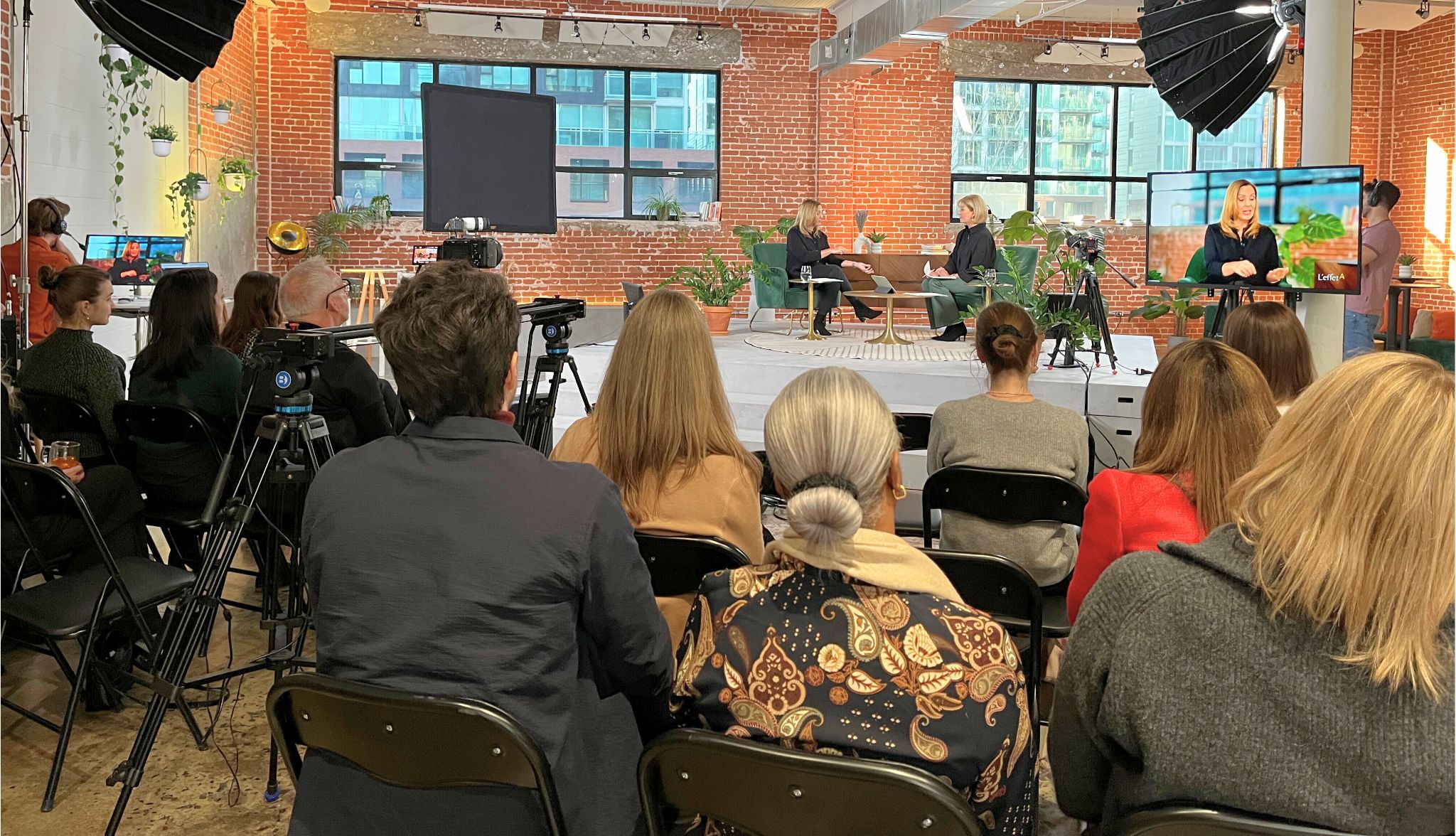
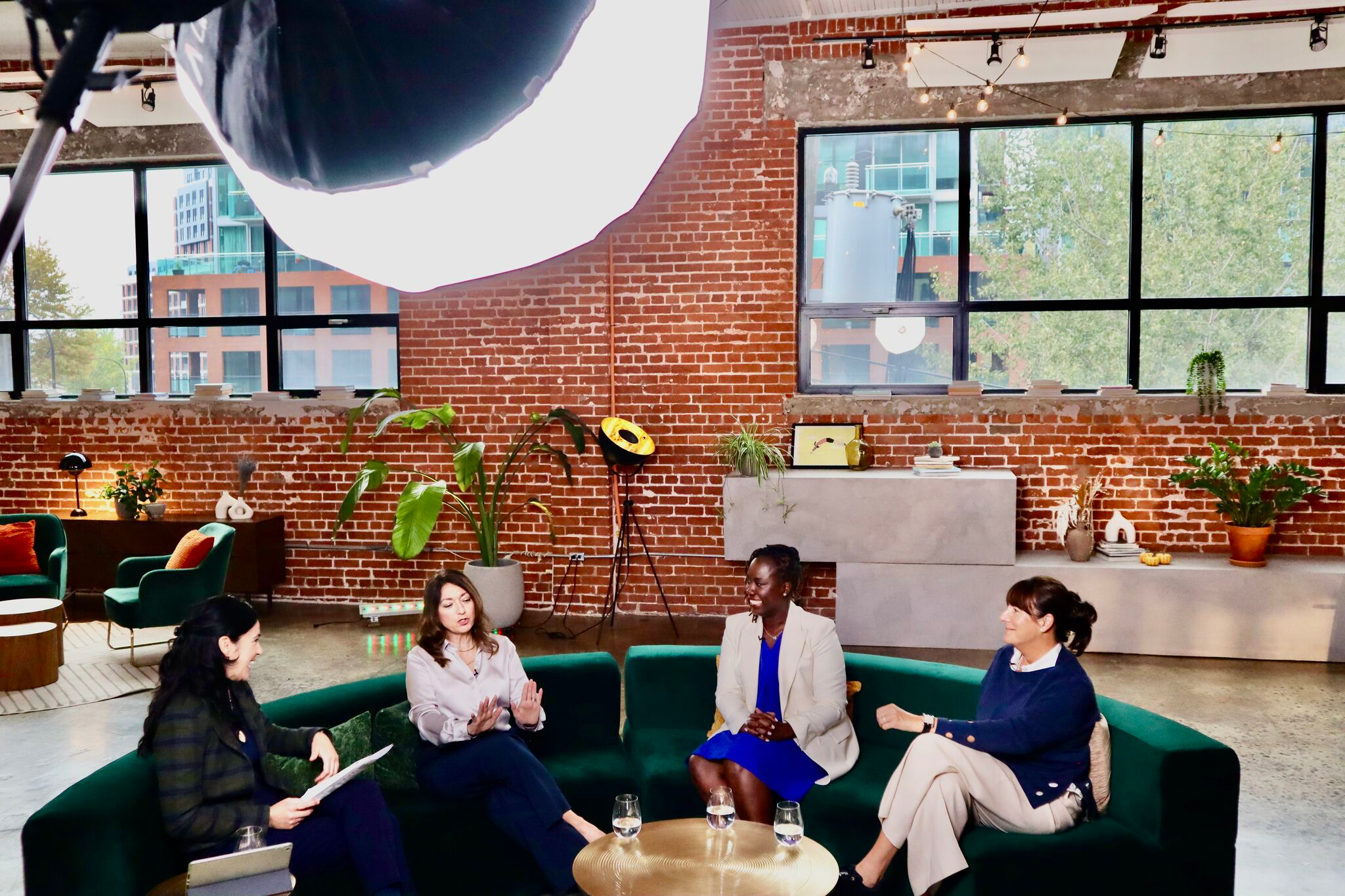
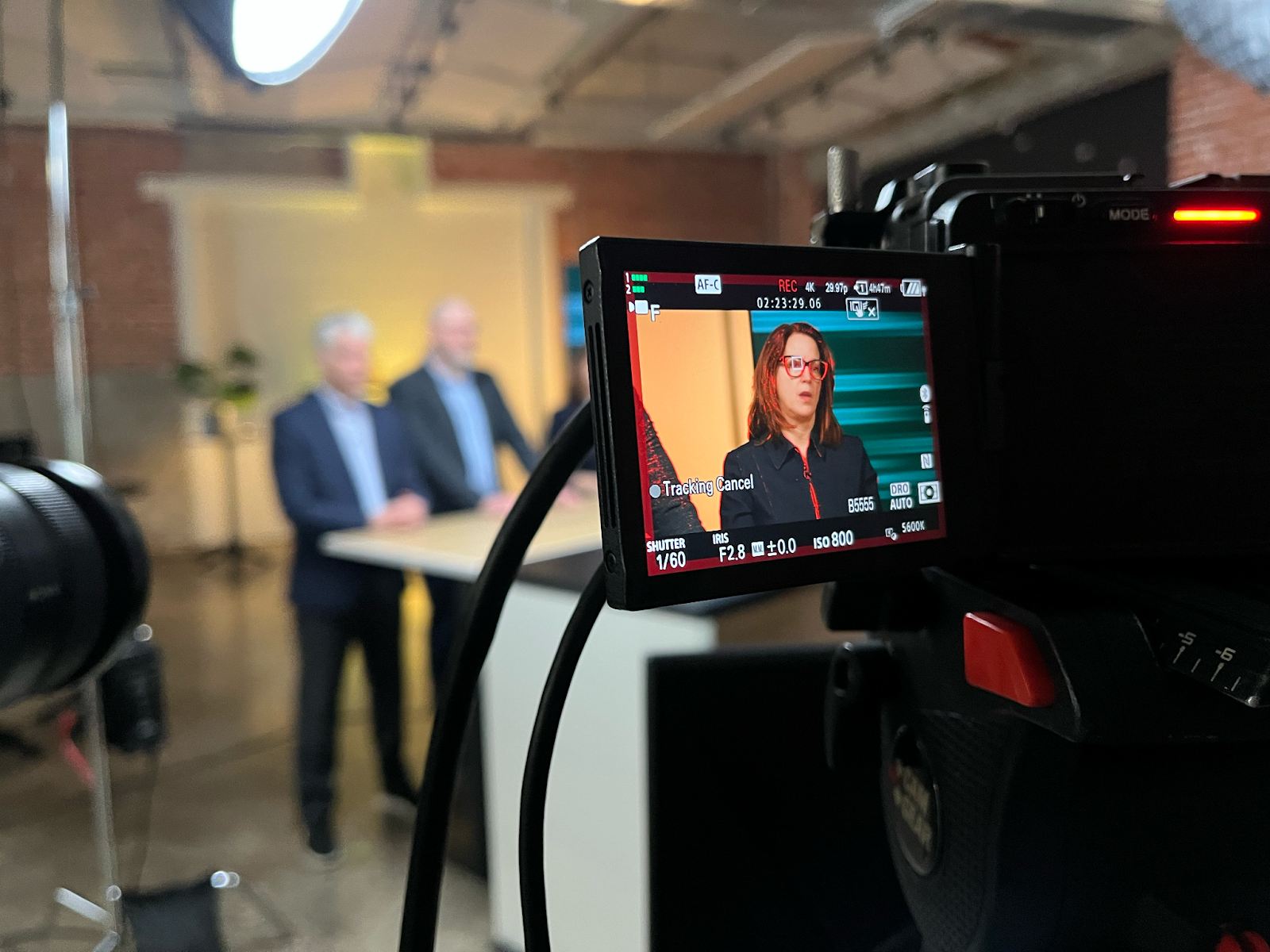
Just as a writer starts with a first draft, shooting is the very first stage of video production. Everyone in the production studio, from directors to camera operators and the control room, plays a crucial role in creating a high-quality edit.
Without a good camera operator or director of photography, there are no good images. But the shoot itself is meant to be the “first look” or broad “vision” of your message, not the final product.
Editing is where the magic happens and where your video truly takes shape. Through cuts, adjustments to motion, lighting and colour, and the addition of visual elements, you refine the narrative to ensure the audience understands it clearly. Even with a perfect shoot, editing can make or break your video.
And in the age of webcasting, streaming and social media, video plays a bigger role than ever. That is why it pays to entrust your video content to a team of professionals.
How to Edit a Video in 10 Steps

1. Import Your Footage
Whatever editing app you use, the first step is to import the footage you want to work with.
2. Organize Your Project
This is where you sort through your material and decide what to keep and what to cut. You can never use everything you shoot anyway.
3. Put Your Story in Order
To get a message across, consistency is key. Choose your photos and shots and place them in the right order to bring your message forward.
4. Work on Motion
At this stage, you adjust how two shots meet so the transition between them is as visually pleasing as possible.
5. Use Transitions Wisely
There are three main types of transitions, and each one creates a different feeling: the cut, the dissolve and the wipe.
6. Add Titles
Titles and lower thirds tell your audience what the images cannot. For example, the name and title of the person being interviewed in a corporate video.
7. Add Audiovisual Effects
Before adding effects, make sure your story is complete. Effects are the icing on the cake: they add value to a product that is already polished. You can also add motion graphics to make complex content easier to understand or to energize the final video.
Effects add emotion and help connect your audience to your message, which is why the message itself must already be clear. Plan enough time for them, too: effects are often the most time-consuming part of editing.
8. Improve the Audio
One of the best ways to perfect a video is to improve its sound. Check the voice levels and the audio track so the music adds atmosphere without drowning out the voices. Every serious project needs a proper sound mix. It takes time, but it is essential to the final result.
9. Colour Grade Your Video
Next comes colour grading: adjust the colours and the mood of your video.
10. Export and Save
Export your video and save your project so you can come back and make further edits if needed.
Productions Arborescence Helps You Create Custom Video Edits

For all your professional video production needs, trust Productions Arborescence. We offer video editing courses, our studio and our professional video editing expertise for your projects.
Contact us today to work with our experienced editors. We would be happy to discuss your video project and find production solutions that fit your needs.